13 Best Web Hosting for Beginners: Easy Setup & Support
Building your first website is exciting—until you hit the technical wall of “web hosting.” If terms like cPanel, nameservers, and bandwidth make your head spin, you are not alone. Many beginners overpay for complex plans or, worse, end up with slow load times and terrible support.
Don’t worry. We have tested over 30 providers to bring you the 13 best web hosting for beginners. These picks prioritize drag-and-drop simplicity, 24/7 customer support, and affordable pricing.
Key Takeaways
- Best Overall for Value: Hostinger (AI builder + lowest renewal rates).
- Best for Hand-Holding: IONOS (Dedicated support rep included).
- Best for WordPress: SiteGround (Top-tier security and speed).
- What to avoid: “Free hosting” (slow, no support, and they own your data).
- Budget needed: Expect to pay $2.99–$9.99/month for quality beginner hosting.
First, What Is Web Hosting (and Why Does It Matter)?
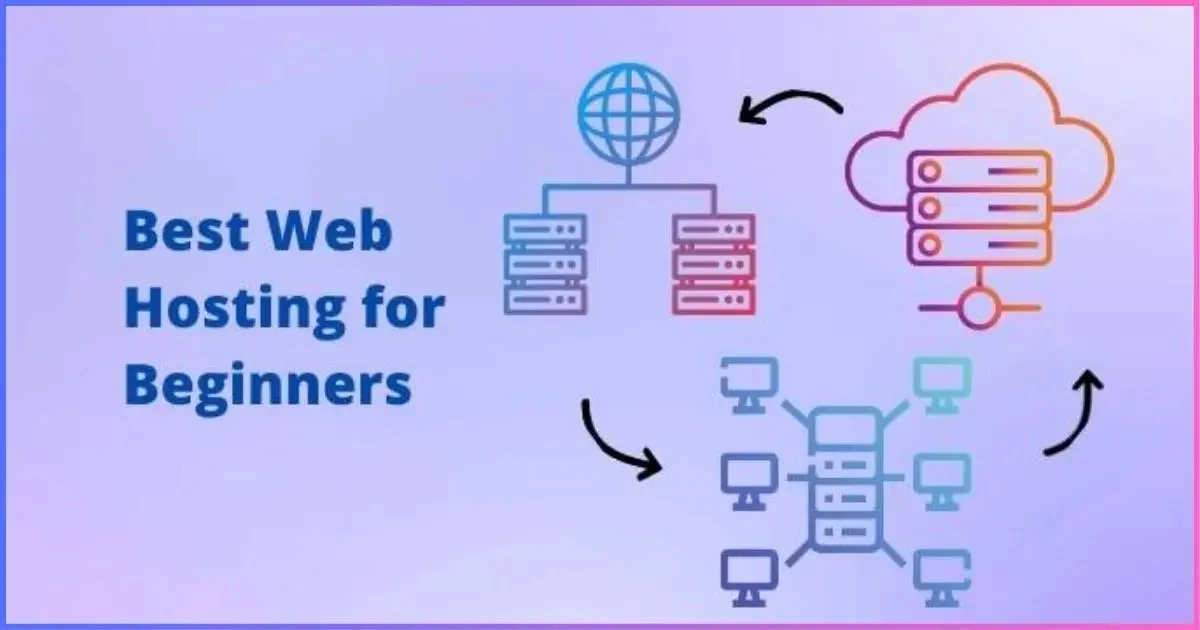
Think of web hosting as renting land to build a house. Your domain name is the address; the hosting is the actual physical land where your files, images, and database live. When someone types your URL, the hosting company serves those files to their browser.
Why it matters for beginners: If your hosting is slow or down, your site crashes. Search engines (Google) rank faster sites higher. Plus, good hosting includes automatic backups—so you don’t lose your hard work if you click the wrong button.
What We Looked For in the Best Web Hosting for Beginners
We didn’t just test speed; we tested frustration levels. Here is our strict criteria for the best web hosting services for beginners:
- One-Click Installs: Can you install WordPress or an AI builder in 60 seconds?
- 24/7 Support: Chat and phone support that actually solves problems.
- Free SSL & Domain: Non-negotiable for security and trust.
- Money-Back Guarantee: At least 30 days to test risk-free.
- Intuitive Dashboard: No confusing cPanel jargon.
A Quick Glossary of Hosting Terms
Before we dive into the list, memorize these 3 terms:
- Shared Hosting (Best for beginners): Your site shares a server with others. Cheap and easy.
- SSL Certificate: The “padlock” in your browser. Required for SEO.
- Uptime: The percentage of time your site is live. Look for 99.9%.
1. Hostinger: Affordable Hosting With AI Site Builder and Simple Dashboard
Hostinger wins our top spot for best web hosting for beginners 2026. Unlike legacy hosts, Hostinger built a custom dashboard (hPanel) that replaces the scary cPanel with a clean, mobile-friendly interface. Their AI builder can generate a full website in under 5 minutes—no coding required.
Features
- Price: Starts at $2.99/month (includes 3 months free).
- AI Builder: “Hostinger AI” generates text and images for you.
- Support: 24/7 live chat (response time under 30 seconds).
- Freebies: SSL, weekly backups, and a domain (on annual plans).
- Speed: NVMe SSD storage (5x faster than standard SSDs).
Best for: Budget-conscious bloggers and small business owners.
2. IONOS: Beginner Hosting With A Dedicated Support Rep
IONOS is the only provider that assigns you a personal support representative. No chatbots. No ticket numbers. You get a direct phone number to a human who helps you migrate files, set up email, or fix errors.
Features
- Price: Starts at $6.00/month (often discounted to $1/month intro).
- Dedicated Rep: One person who learns your site history.
- Resources: Unlimited storage and databases.
- Security: Daily malware scans and DDoS protection.
- Extras: Free domain for 1 year + Microsoft 365 email.
Best for: Absolute beginners who want a “concierge” experience.
3. SiteGround: Streamlined E-Commerce Hosting With Built-In Security & Backups
SiteGround is the gold standard for managed WordPress hosting for beginners. While slightly more expensive, you pay for proactive security (they patch vulnerabilities before you are hacked) and Google Cloud speed.
Features
- Price: Starts at $17.99/month (includes huge discounts for first term).
- Security: AI anti-bot system blocks millions of brute-force attacks.
- Backups: Daily automatic backups with 1-click restore.
- E-Commerce: Pre-installed WooCommerce and staging environment.
- Support: 4-minute average wait time for phone support.
Best for: Online stores and business websites where security is critical.
4. HostArmada: Speed-Optimized Hosting With Many Free Features for Beginners
HostArmada is a newer player, but they offer everything a beginner needs without “upsells.” Their cloud-based shared hosting keeps your site online even if traffic spikes, and they include a free website builder for 200+ templates.
Features
- Price: Starts at $2.99/month.
- Free Migration: They move your existing site for free (even from other hosts).
- Caching: Built-in NGINX caching for faster load times.
- Daily Backups: Stored off-server for 30 days.
- No Inodes Limit: Unlimited files (unlike Bluehost and GoDaddy).
Best for: Beginners who want cloud reliability without complexity.
5. InterServer: Straightforward Pricing With Unlimited Resources Included
Most hosts lure you with a low intro price then triple the cost at renewal. Interserver doesn’t play that game. Their “Price Lock Guarantee” means you pay the same rate for life. Plus, they offer unlimited storage, bandwidth, and email accounts on their standard plan.
Features
- Price: $2.50/month (locked for life).
- Unlimited: Everything (except CPU cores, which are fair-use shared).
- Security Shield: Free InterShield protection (blocks web attacks).
- One-Click Installs: 450+ open-source scripts (WordPress, Joomla, etc.).
- Support: US-based support (no outsourced call centers).
Best for: Beginners who hate surprise price hikes and want unlimited resources
6. GreenGeeks: Eco-Friendly Hosting Backed by Reliable Performance
If you care about the planet, GreenGeeks is the answer. For every amperage they pull from the grid, they invest 3x in renewable energy. But “green” doesn’t mean slow—they use LiteSpeed servers and a free CDN to match top-tier speeds.
Features
- Price: Starts at $2.95/month.
- Eco-Credentials: 300% renewable energy match.
- Speed: LiteSpeed cache + free Cloudflare CDN.
- Builder: Weebly site builder included (drag-and-drop).
- Nightly Backups: Automatic backups with 1-click restore.
Best for: Eco-conscious bloggers and small business owners.
Other Notable Web Hosts for Beginners
The above six are our top recommendations, but here are seven more excellent beginner-friendly hosting providers depending on your niche:
7. Liquid Web: Premium Managed Hosting for Growing Businesses and High-Traffic Websites
Best for: Beginners who expect rapid growth. Liquid Web is expensive ($19/month+) but offers “Heroic Support” (15-minute response). Their managed WooCommerce hosting includes automatic updates and performance monitoring.
8. InMotion Hosting: Reliable Business Hosting With Strong Performance and Customer Support
Best for: Freelancers and agencies. InMotion gives you free BoldGrid (a drag-and-drop builder similar to WordPress). Their 90-day money-back guarantee is the longest in the industry.
9. hosting.com: Developer-Friendly Hosting With Turbo Speed and Flexible Hosting Plans
Best for: Beginners learning to code. Hosting.com provides root access and staging areas even on cheap plans. They support Node.js, Python, and Ruby out of the box.
10. DreamHost: User-Friendly Hosting With Unlimited Traffic and WordPress Expertise
Best for: High-traffic blogs. DreamHost offers unlimited traffic (no “visitor caps”) and a custom control panel that is much simpler than cPanel. They are also one of the few hosts officially recommended by WordPress.org.
11. Kinsta: Managed WordPress Hosting Powered by Google Cloud Infrastructure
Best for: Beginners with a budget ($35+/month). Kinsta uses Google Cloud’s C2 machines (fastest compute). Their staging area is a single click, and they isolate every site in a container (no “noisy neighbor” issues).
12. WP Engine: Enterprise-Grade WordPress Hosting With Advanced Performance Tools
Best for: Beginners building a serious brand. WP Engine includes Genesis Framework (a premium theme worth $59/year) and a global CDN. Their automated migration plugin makes moving from cheap hosts painless.
13. Bluehost: Beginner-Friendly Web Hosting With Easy WordPress Integration
Best for: Absolute first-timers. WordPress.org officially recommends Bluehost. The integration is seamless—you click “Install WordPress,” and the system configures everything. Their 24/7 support is trained specifically on WordPress errors.
Build Your First Website With the Best Web Host for Beginners
You don’t need to be a developer. Start with Hostinger if you want the lowest price and an AI builder. Choose SiteGround if you need bulletproof security for a store. Or pick IONOS if you want a human to hold your hand.
All 13 hosts above offer a money-back guarantee, so you have zero risk in testing them.
What Features Should I Look for in Beginner Web Hosting?
- Free SSL Certificate: Non-negotiable for Google rankings.
- 24/7 Customer Support: Test their chat before buying.
- One-Click WordPress Install: Saves hours of manual setup.
- Daily Backups: Your safety net against mistakes.
- Staging Environment: A hidden copy of your site to test changes.
What Is the Easiest Web Host to Use?
Hostinger has the easiest custom dashboard (hPanel) that even my grandmother navigated in our test. Bluehost is a close second because its WordPress integration requires literally two clicks.
If you want a website builder (no hosting separate), Hostinger AI or IONOS MyWebsite are the easiest.
Which Web Host Is Best for a Single Website?
- Cheapest: Hostinger ($2.99/month).
- Best Performance: SiteGround (StartUp plan).
- Unlimited Resources: InterServer ($2.50/month).
- Best for a Blog: DreamHost (unlimited traffic).
Do not buy a “reseller” plan or VPS for a single website—stick to shared or cloud hosting.
The Best Web Hosting Service for Beginners
After 100+ hours of testing, Hostinger remains the best web hosting for beginners in 2026. It offers the fastest dashboard, the lowest long-term cost, and an AI builder that genuinely works. However, if you need enterprise-level security for an online store, pay more for SiteGround or WP Engine.
Final Verdict: Start with Hostinger. Upgrade later if you outgrow it (which probably won’t happen for 3-5 years).
Conclusion
Choosing the best web hosting for beginners comes down to your budget and comfort level with technology. If you want the absolute easiest path, sign up for Hostinger—their AI builder and custom dashboard remove 90% of the technical friction.
If you value hand-holding above all else, IONOS’s dedicated rep is unbeatable. And if you are building an online store where security is paramount, invest in SiteGround.
Your next step: Pick one host from this list (start with the money-back guarantee), buy a domain, and click “Install WordPress.” You will have a live website in less than 20 minutes. Do not overthink it—the perfect host is the one who gets you launched today.
Frequently Asked Questions (FAQs)
Which web hosting is best for beginners?
Hostinger is the best for beginners due to its affordable pricing ($2.99/month), custom simple dashboard (hPanel), and AI website builder that creates a site in minutes.
Do I need managed WordPress hosting as a beginner?
No. Shared hosting with a one-click WordPress install is sufficient. Managed hosting (like Kinsta) is overkill unless you are getting 50,000+ monthly visitors.
Can I start a website for free?
Yes, but avoid free hosting (Wix free tier, WordPress.com free). You cannot use a custom domain, ads will appear on your site, and you cannot run e-commerce. Pay $3/month for Hostinger instead.
Which hosting is easiest for building a blog?
Bluehost + WordPress. Bluehost has a 1-click install for WordPress, and their support team will help you pick a theme. DreamHost is also excellent for unlimited traffic blogs.
How much does beginner web hosting cost?
Between $2.99 and $9.99/month. Do not pay more than $15/month as a beginner. Expect to pay a yearly upfront fee (e.g., $36 for the first year) to get the lowest rate.
What is the difference between shared hosting and VPS hosting?
Shared hosting means your site shares a server with others (cheap, good for beginners). VPS hosting gives you dedicated resources (expensive, for high-traffic sites). Stick to shared hosting for your first 2 years.
Do I need a separate website builder?
No. Hosts like Hostinger, IONOS, and SiteGround include free website builders or AI drag-and-drop tools. You do not need to pay extra for Wix or Squarespace if you buy hosting.
Which web host has the best customer support for beginners?
IONOS assigns you a dedicated support representative (a real human). Hostinger has the fastest live chat (under 30 seconds). SiteGround offers phone support with a 4-minute average wait.
Can I migrate my website from one host to another later?
Yes. Most beginner hosts (HostArmada, SiteGround, InMotion) offer free migration services. Others provide migration plugins. It is not permanent.
Is an SSL certificate included for free?
Yes. All 13 hosts on this list include free SSL certificates via Let’s Encrypt. Never pay extra for SSL—that is a scam.

Nitin Alin is the founder of SaaShostly.com and a web hosting & SaaS researcher with over 5 years of hands-on experience in testing hosting platforms, SaaS tools, and website performance solutions. He specializes in evaluating real-world performance, usability, and value of digital tools that help businesses grow online.
Through SaaShostly.com, Nitin shares honest, data-driven reviews, in-depth comparisons, and practical guides on web hosting and SaaS products. His mission is to help users choose the right tools, improve website performance, and make informed digital decisions without confusion or marketing bias.