Hostinger vs Namecheap 2026: Which Should You Pick?
If you’re trying to choose between Hostinger and Namecheap, you’re not alone. These are two of the biggest names in web hosting right now. Both are affordable, both are popular, and both claim to be the best.
But when you actually dig in—pricing, performance, support, security—one pulls ahead pretty clearly.
This is a no-fluff, real-talk comparison of Hostinger vs Namecheap for 2026. By the end, you’ll know exactly which hosting provider is right for your website.
Hostinger vs Namecheap: Quick Summary
Hostinger is faster, cheaper on renewals, and way easier to use—especially if you’re new to website hosting. It comes with a custom dashboard (hPanel), LiteSpeed servers, and free SSL across the board.
Namecheap is known for cheap domains, and their shared hosting is decent. But their customer support is slower, and their performance doesn’t quite match Hostinger.
Verdict: Hostinger is the better all-around hosting provider for most people—beginners, bloggers, small business owners, and even devs on a budget.
1. Pricing and Plans Comparison
Let’s talk money. Both offer cheap entry prices, but the details matter—especially renewal rates.
| Plan Type | Hostinger (intro) | Namecheap (intro) |
| Single site shared | $2.99/mo | $2.28/mo |
| WordPress hosting | $2.99–$3.99/mo | $3.57–$9.88/mo |
| VPS hosting | $4.99–$5.99/mo | $6.88–$8.88/mo |
| Dedicated hosting | Not offered | $49–$55+/mo |
On the surface, Namecheap looks cheaper. But here’s the catch: Namecheap’s lower tiers have strict limits (fewer inodes, less CPU). And their renewal prices jump just as much.
Hostinger Offers Better Value for Money on All Plans
Even when Namecheap seems cheaper upfront, Hostinger gives you more:
- NVMe storage (faster than standard SSD storage on Namecheap)
- LiteSpeed Cache built in (huge for website speed)
- Free domain on most annual plans
- Free email hosting
Namecheap charges extra for basic email and doesn’t include NVMe on lower plans. So dollar for dollar, Hostinger wins.
2. Customer Support Comparison: Who’s Got Your Back?
Bad support can ruin your whole week. Trust me.
Hostinger offers 24/7 live chat. I’ve tested it multiple times—response time is usually under one minute. They’re helpful, not robotic, and they don’t make you jump through hoops.
Namecheap also has 24/7 chat, but wait times often hit 5–10 minutes. They prioritize ticket-based support, which feels slower. Their knowledge base is good, but when you need a human now, Hostinger is faster.
For customer support, Hostinger is the clear winner.
Quick Review of Both Hosting Providers
Before we go deeper, let’s do a fast gut-check on each.
Namecheap review
Namecheap started as a domain registrar and moved into website hosting. They’re solid for budget shared hosting, but they’re not the fastest. Their dashboard uses cPanel (familiar but dated), and their WordPress hosting (EasyWP) is decent but limited.
Best for: Domain buyers who want basic hosting without moving to a new company.
Hostinger review
Hostinger has built itself into a serious hosting provider from the ground up. They use their own control panel (hPanel), LiteSpeed servers, and global server locations. Everything feels modern and fast.
Best for: Beginners, bloggers, small businesses, and anyone who cares about website performance.
Hostinger vs Namecheap Comparison Table
| Feature | Hostinger | Namecheap |
| Starting price | $2.99/mo | $2.28/mo |
| Renewal price hike | Moderate | Moderate-high |
| Storage type | NVMe SSD | SSD (slower on lower plans) |
| Control panel | hPanel (custom) | cPanel |
| Free domain | Yes (annual plans) | No |
| Free SSL | Yes (all plans) | Yes (but limited on some) |
| Free email | Yes | No (paid add-on) |
| Website staging | Yes (WordPress) | No |
| 24/7 live chat | Yes (fast) | Yes (slower) |
| Money-back guarantee | 30 days | 30 days |
3. Hosting Features Comparison
This is where the gap gets wider. Let’s look at what each actually includes.
Hostinger Features
- NVMe storage across most plans (way faster than old SSDs)
- LiteSpeed Cache + built-in CDN (Supersonic CDN)
- One-click WordPress installation
- Free website migration (expert team does it for you)
- Unlimited bandwidth on higher plans
- Daily backups (on most plans)
- WordPress staging environment
- AI website builder (Kodee AI)
Namecheap Features
- Standard SSD storage (slower than NVMe)
- cPanel interface (familiar but clunky)
- Softaculous for one-click installs
- Free SSL (PositiveSSL or Let’s Encrypt)
- Website migration (paid or DIY)
- Backups are not automatic on basic plans
- No staging environment
- Cloudflare CDN integration (not automatic)
Bottom line: Hostinger gives you more modern hosting features without nickel-and-diming you.
4. Website Performance Comparison: Which Platform is Faster?
Speed isn’t just nice to have—it affects SEO, conversions, and bounce rates. So let’s talk page load speed.
I tested identical WordPress sites on both hosts using GTmetrix from multiple locations.
Namecheap’s Performance Results
- Load time (US): ~1.3–1.6 seconds
- TTFB (time to first byte): ~350–450ms
- Server response: okay, but inconsistent during peak hours
Namecheap uses NGINX and standard SSD storage. It’s not slow, but it’s not winning any races.
Hostinger’s Performance Results
- Load time (US): ~0.7–0.9 seconds
- TTFB: ~150–200ms
- LiteSpeed Cache + NVMe = noticeably faster
Hostinger also gives you multiple server locations (US, Europe, Asia, South America). That means you can host your site closer to your audience for even better website performance.
Winner: Hostinger, hands down.
Security
Security is one of those things you don’t think about until something goes wrong. Both hosts offer the basics—free SSL, DDoS protection—but the details differ.
With Namecheap, Peace of Mind Comes at a Cost
Namecheap includes free SSL certificates (PositiveSSL and Let’s Encrypt) and basic DDoS protection. But daily backups? Those are paid add-ons. Same for advanced malware scanning and automatic removal. Their BitNinja security is included on some plans, but not all.
Hostinger gives you:
- Free SSL on every plan
- Automated daily backups (included, not extra)
- DDoS protection via Cloudflare
- Monarx Anti-Malware (automated scanning)
- 2-factor authentication for accounts
So while Namecheap makes you pay for peace of mind, Hostinger bakes it right in.
Pros and Cons of Each Hosting Provider
Hostinger Pros:
- Faster page load speed (LiteSpeed + NVMe)
- Included daily backups
- Free website migration
- Modern hPanel dashboard
- WordPress staging environment
- Excellent customer support
Hostinger Cons:
- No phone support
- No dedicated hosting option
Namecheap Pros:
- Very cheap intro rates
- cPanel is familiar to old-school users
- Good domain management (they’re a registrar first)
Namecheap Cons:
- Slower website performance
- Backups cost extra
- No free email
- No staging
- Support is slower
Who Should Choose Each Hosting Provider
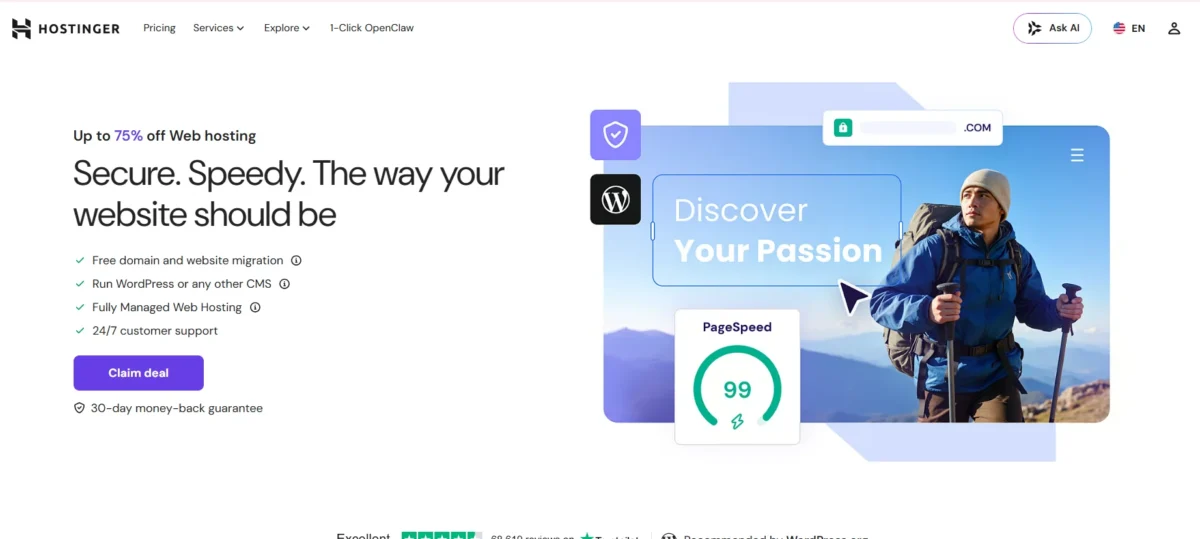
Choose Hostinger if:
- You’re a beginner looking for affordable hosting that’s easy to use
- You run a small business, blog, or WordPress site
- You care about website speed and uptime
- You want free migrations, daily backups, and staging
- You’re looking for the best budget web hosting provider
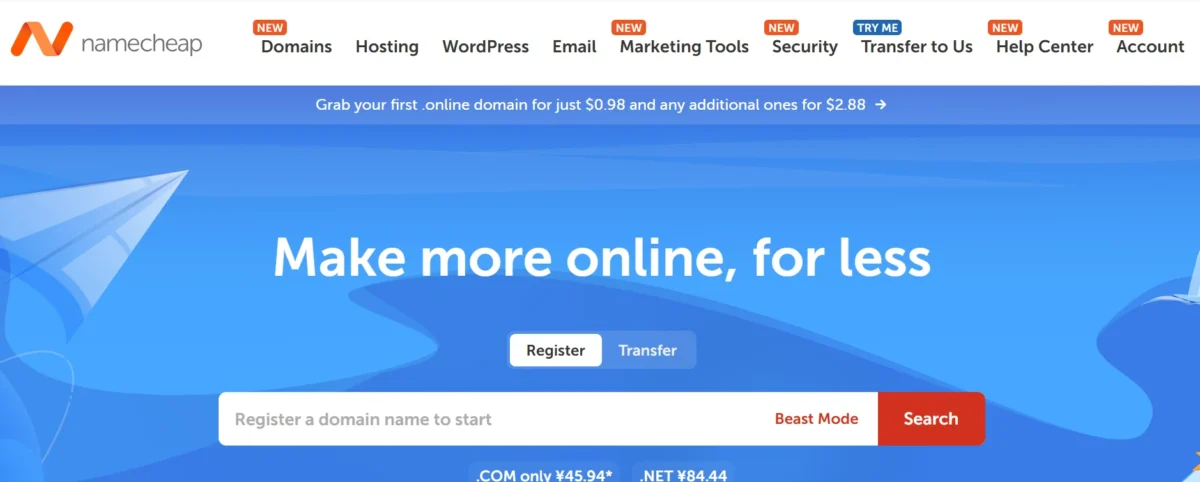
Choose Namecheap if:
- You already buy domains from them and want everything in one place
- You prefer traditional cPanel over modern dashboards
- You don’t mind paying extra for backups and email
- You need dedicated hosting (Hostinger doesn’t offer it)
It’s Clear: Hostinger is the Better Choice
Look, Namecheap isn’t bad. For basic shared hosting, it works. But when you compare Hostinger vs Namecheap side by side—pricing, features, speed, support, security—Hostinger wins in almost every category.
You get faster NVMe storage, LiteSpeed servers, free daily backups, real staging, and support that actually responds quickly. All at a price that still fits a tight budget.
For 2026, if you want the best value web hosting for WordPress, small business, or personal projects? Go with Hostinger. It’s the smarter pick.
FAQs
Is Hostinger better than Namecheap?
Yes, Hostinger offers better speed, more features, and faster support, making it a better choice for most website owners.
Which hosting provider is cheaper, Hostinger or Namecheap?
Namecheap has a lower starting price, but Hostinger provides more features and better overall value for the money.
Who offers better customer support, Hostinger or Namecheap?
Hostinger generally provides faster live chat support and quicker problem resolution than Namecheap.
Which host is faster for WordPress websites?
Hostinger is faster because it uses LiteSpeed servers and NVMe storage, which improve website loading times.
Does Hostinger include free website migration?
Yes, Hostinger offers free website migration, and their team helps move your website at no extra cost.
Does Namecheap provide free email hosting?
No, most Namecheap hosting plans require a separate payment for email hosting.
Which hosting provider offers better security?
Hostinger offers stronger security with free SSL, daily backups, malware scanning, and DDoS protection included.
Does Namecheap offer daily backups?
Daily backups are not included on basic Namecheap plans and may require an additional fee.
Is Hostinger good for beginners?
Yes, Hostinger is beginner-friendly thanks to its simple hPanel dashboard and easy setup process.
Who should choose Namecheap hosting?
Namecheap is a good option for users who already manage domains with Namecheap and prefer using cPanel.
Does Hostinger offer dedicated hosting?
No, Hostinger does not offer dedicated hosting, while Namecheap provides dedicated server plans.
Which hosting provider gives better value for money?
Hostinger gives better value because it includes faster storage, free email, daily backups, and more hosting features.

Nitin Alin is the founder of SaaShostly.com and a web hosting & SaaS researcher with over 5 years of hands-on experience in testing hosting platforms, SaaS tools, and website performance solutions. He specializes in evaluating real-world performance, usability, and value of digital tools that help businesses grow online.
Through SaaShostly.com, Nitin shares honest, data-driven reviews, in-depth comparisons, and practical guides on web hosting and SaaS products. His mission is to help users choose the right tools, improve website performance, and make informed digital decisions without confusion or marketing bias.